
3D Configurator for AWNINGS
Découvrez notre configurateur 3D de store-banne, une solution simple, rapide et fiable pour créer, visualiser et chiffrer des projets en quelques clics.
Ask for a demo
Awning 3D Configurator
How does it work ?
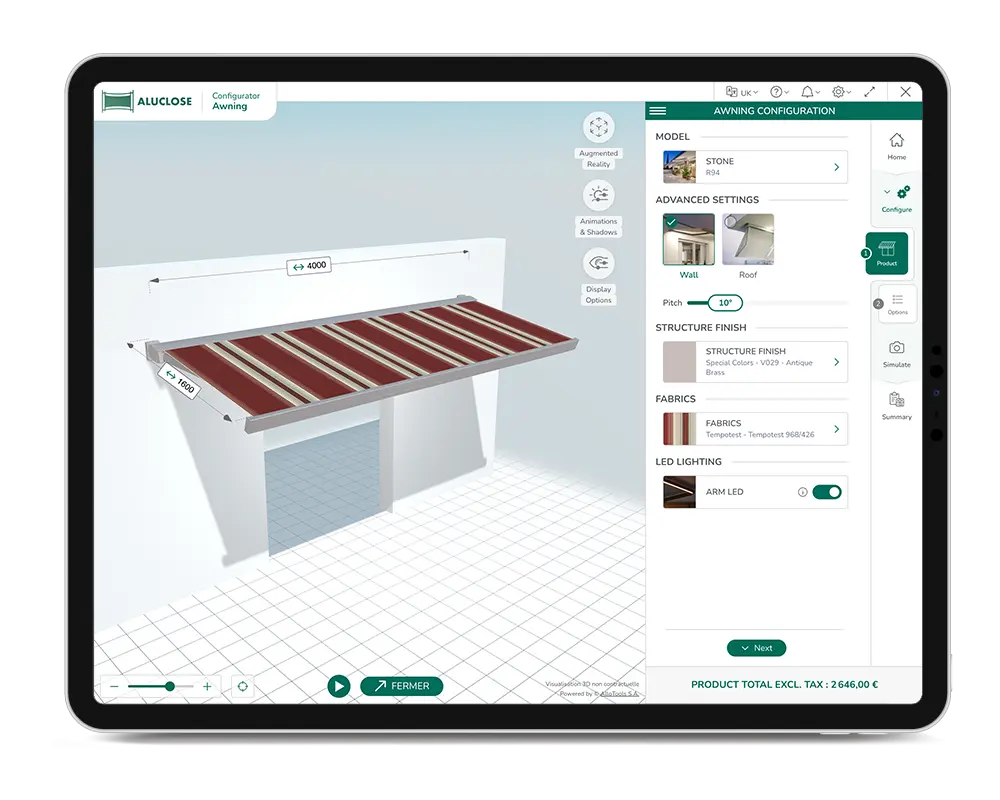
Product customization
The configurator allows you to define every parameter of the awning while respecting your manufacturing rules:
- Awning dimensions: width and projection
- Arm selection: double or triple arms depending on dimensions
- Mounting type: wall-mounted or roof-mounted
- Tilt angle adjustment
- Fabric customization based on collections, textures, and colorsles coloris
- Optional features: lighting, motorization, and more..
Each configuration is automatically validated by built-in business rules, ensuring a reliable, consistent, and error-free project. Discover our other configurators for solar protection products, including pergola, carport and terrace shelter.
Accompagnez vos clients dans leur choix
avec des conseils experts et percutants
Opening/closing simulation
See the awning in motion in real time.
The animation reflects the selected fabric angle, helping you fully understand how the product works.
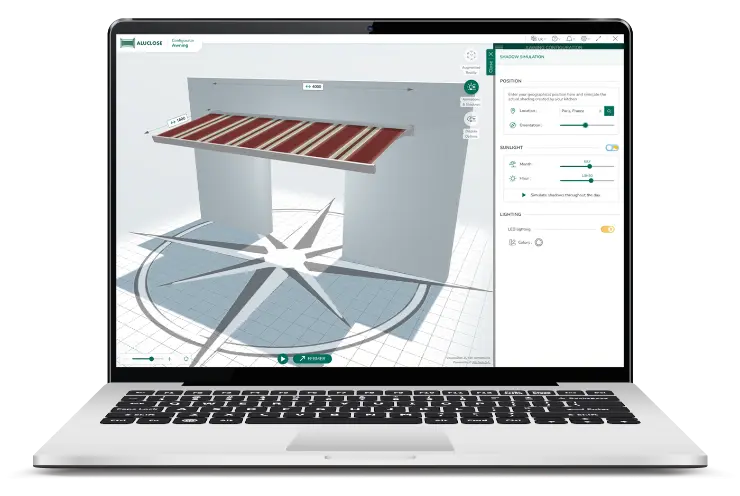
Shadows Simulation
It is possible to simulate the shadows created by the awning according to its geographical position (address, postcode, town), the time of the year and the time of day, and according to the orientation of the sun as indicated by the North/South cardinal points.
Depending on the criteria selected, the configurator automatically adjusts the projection of the shadows, providing a faithful and dynamic 3D visual representation at the chosen moment.
Day/Night Mode
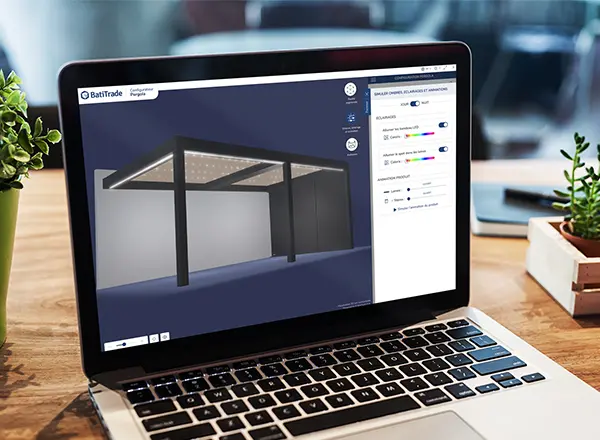
Grâce au développement d’un mode en immersion nuit, le configurateur permet désormais à son utilisateur de visualiser le dispositif d’éclairage séléctionné.
Le configurateur adapte automatiquement la scène en 3D, offrant un rendu fidèle et immersif selon les critères sélectionnés comme
par exemple l’intensité ou le choix du coloris de l’éclairage.
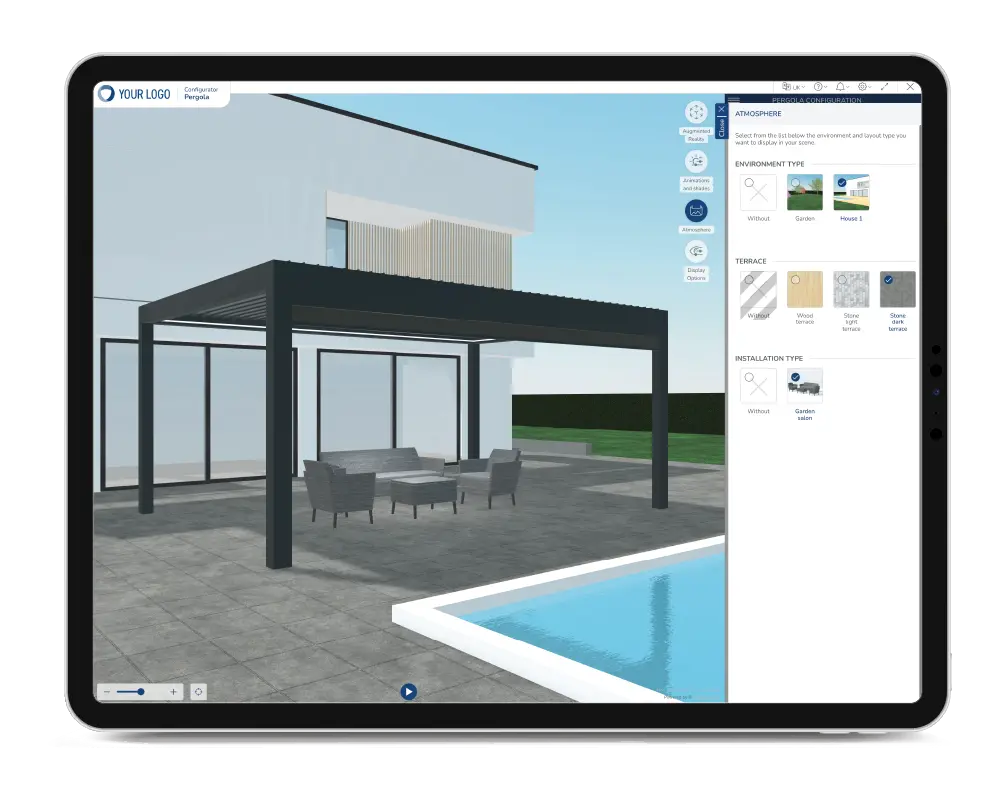
Atmosphere
Present the pergola in a landscaped 3D environment. Trees, lawns, flagstones, garden furniture or a summer kitchen enhance the overall look of your customer's project.
Ask for a demo
Project your clients and close the deal
using our immersive simulation tools
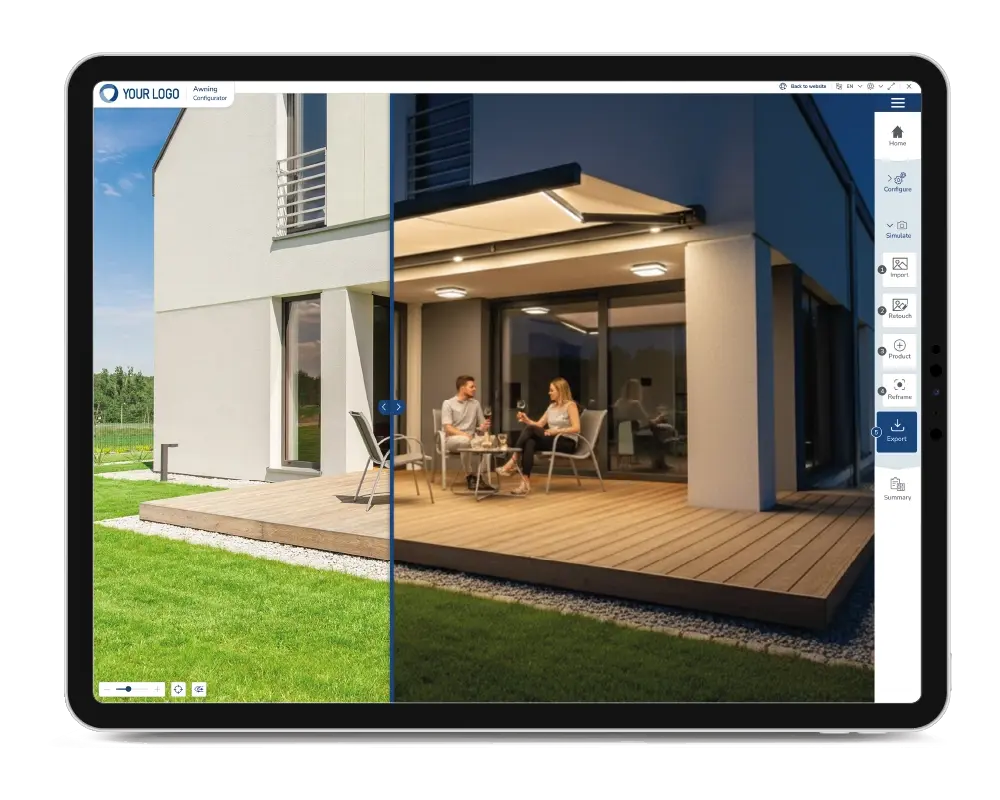
Simulation sur photo via AI
All our awnings can be integrated directly into photos of the end customer's environment.
This means that the project can be viewed on the customer's final photo and configured in real time on that photo.
Augmented Reality Visualisation
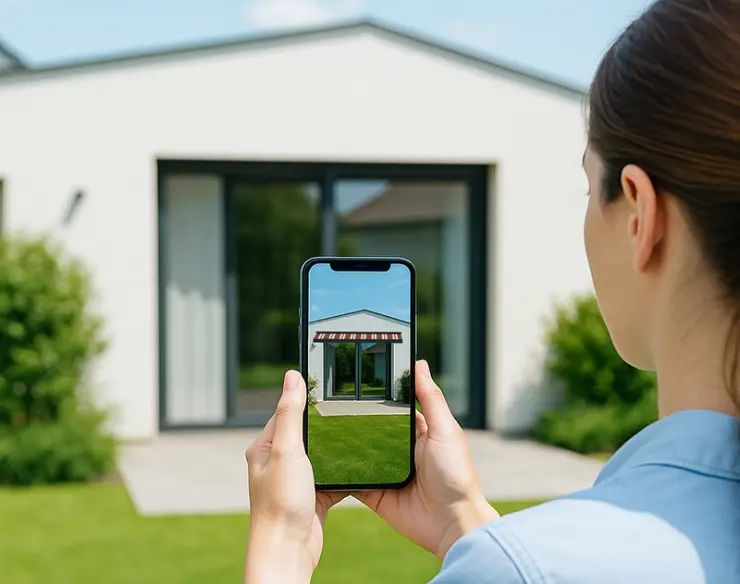
All 3D awnings projects can be easily integrated into the end-customer's environment in augmented reality (AR) via a tablet or smartphone, without the need to download an additional application.
The AR allows you to visualise the product in its environment and check details and dimensions, eliminating any surprises when installing the pergola.
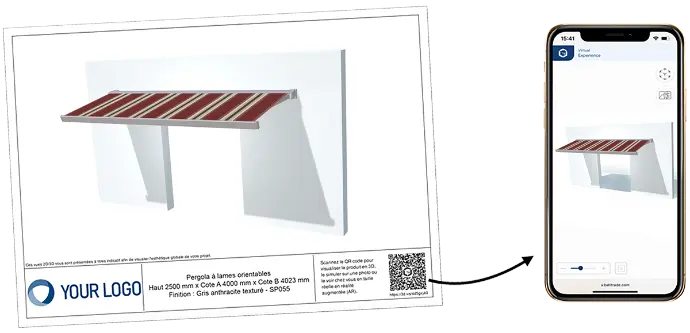
The Augmented Quote and associated product sheets
The "Augmented Quote" is more than just a simple costing document with the price at the bottom of the page. It is distinguished by the integration of a QR code available on the PDF attachment of the 3D rendering of the configured product, which involves your customer in a unique and entertaining immersive experience.
By scanning the QR code printed on the enclosures, your customer can view your product in 3D, simulate it in a photo or see it in real size at home using augmented reality.
Furthermore, you can add product/technical data sheets to enhance your quote.
All fonctionnalities
of the awning configurator
Selection guide
Helping to identify needs based on product type and end-customer preferences.
Day/Night Mode
Visualisation of the Awning at night, with the option of simulating the colour and intensity of the lighting.
Detailed printouts
Full PDF quotation with 3D graphic rendering of the project and precise dimensions.
Atmosphere
Visualisation of the awning in a landscaped 3D environment.
Advanced Options
Complete product configuration and customisation until installation.
Shadows Management
Simulation of shadows according to geographical position, time of year and time of day.
Real-time pricing
Management of public prices, purchase prices and sales prices. Takes into account all capital gains and losses.
Data Export
Simplified integration, designed to adapt to the sales processes of manufacturers and their resellers/distributors using APIs and EDI, or for use with AlloTools' CPQ solution, marketed under the MyBusiness brand.
Our other configurators
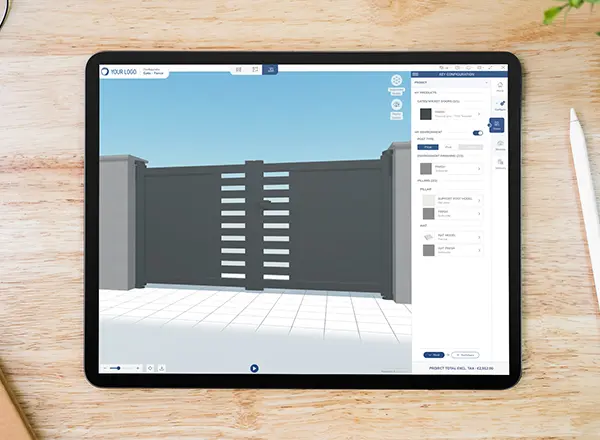
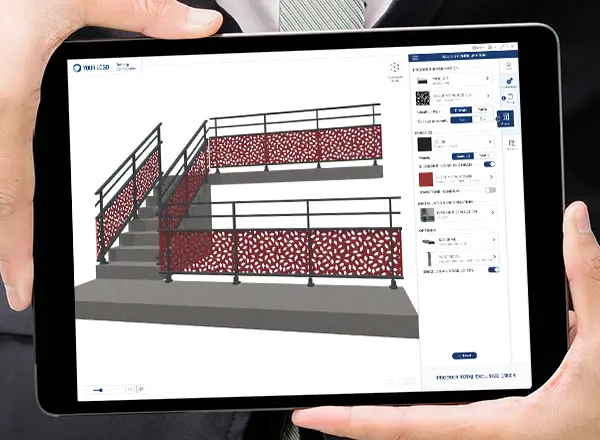
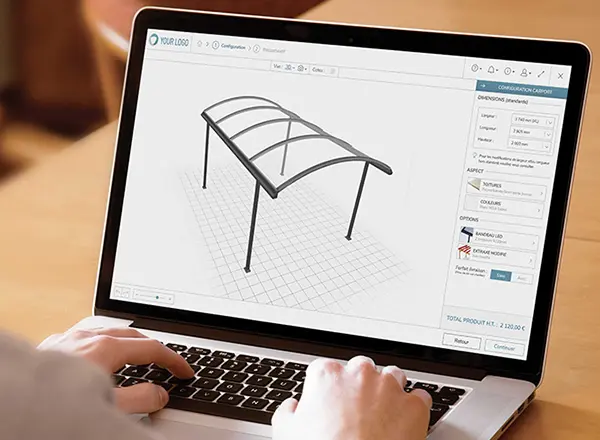
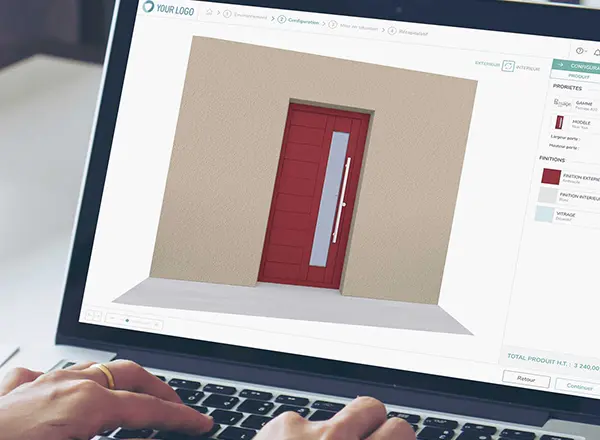
for indoor & outdoor products
Do you have a question? Will to learn more?
Let's talk about your project together. Our team is available to assist you.